Modern customer support teams are increasingly replacing manual workflows with n8n CRM automation to connect AI systems directly with their customer relationship management platforms. When it comes to business process automation with AI agents, bridging the gap between your data and your AI is a massive operational leap forward.
Traditionally, support agents handled tickets by manually opening tools like Salesforce or HubSpot to review customer history before responding. At scale, this approach becomes operationally expensive, slow, and prone to inconsistency.
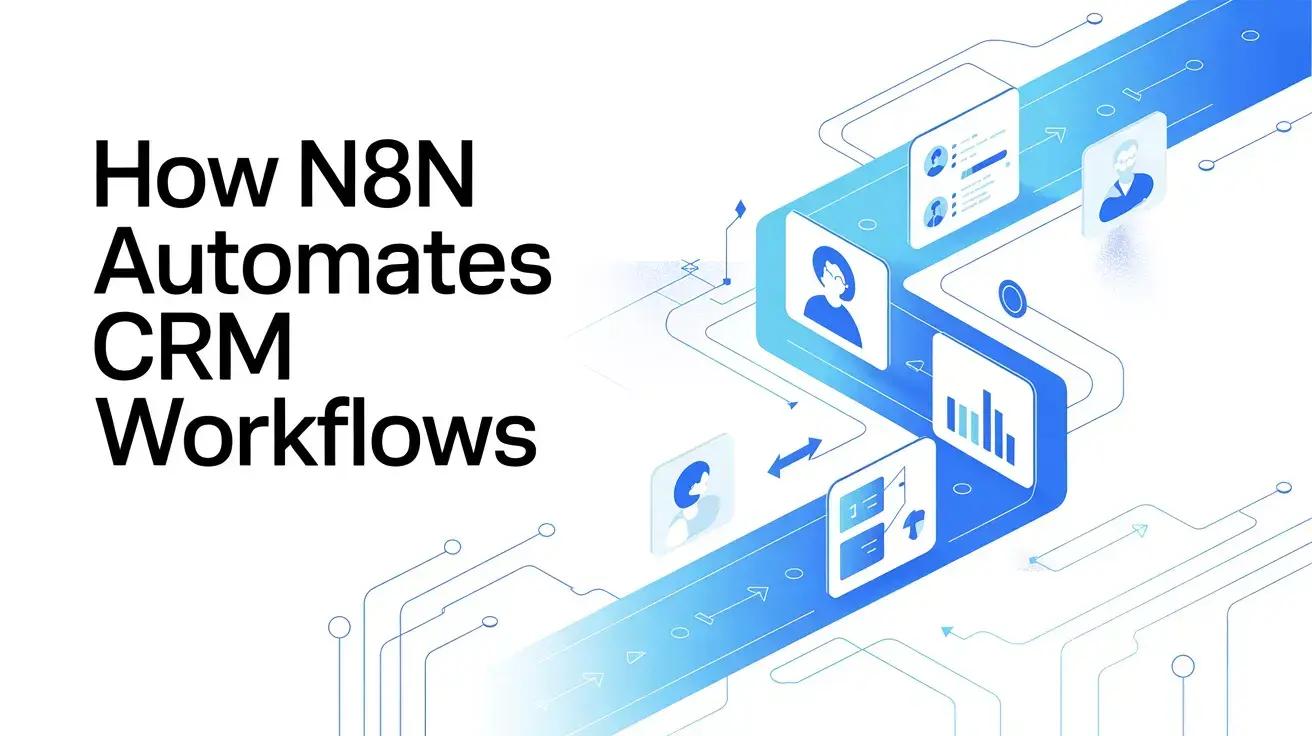
With n8n CRM automation, customer data retrieval, AI reasoning, and response execution happen automatically inside a unified workflow. Instead of forcing teams to constantly switch between dashboards and knowledge bases, intelligent workflow orchestration enables AI systems to access CRM context instantly and act autonomously.
This guide explains the architecture behind this process, showing how organizations connect CRM platforms with Large Language Models (LLMs) to create context-aware, self-operating customer support systems.
The Core Architecture Behind n8n CRM Automation
Effective n8n CRM automation works because each system performs a specialized role within the automation stack.
1. The Memory: CRM Platforms
CRMs such as HubSpot, Salesforce, or Zendesk function as structured customer memory repositories.
They store:
- Purchase history
- Subscription tiers
- Support interactions
- Customer lifetime value
- Previous complaints and resolutions
Note: Without CRM context, AI responses lack personalization and operational accuracy.
2. The Logic: AI & LLM Models
Large Language Models like GPT-4 or Claude provide reasoning capabilities, including natural language understanding, sentiment detection, context synthesis, and human-like response generation. However, AI models cannot securely access internal CRM systems independently.
3. The Orchestrator: n8n
This is where n8n AI agent integration becomes critical. n8n acts as secure middleware between AI and enterprise systems by:
- Authenticating CRM API requests
- Fetching customer records in real time
- Passing structured context to AI agents
- Executing automated decisions
- Writing outcomes back into the CRM
In practical terms, the CRM is the memory, the LLM is the intelligence, and n8n is the operational brain. Together, they form a fully automated customer support engine.
Step-by-Step Workflow: Customer Support Automation
A production-grade n8n CRM automation workflow follows a predictable execution pipeline.
Step 1: Trigger & Ticket Ingestion
A customer submits a request via email, website form, Intercom chat, WhatsApp, or a support portal. An n8n Trigger or Webhook node instantly activates the workflow with zero polling delay.
Step 2: Automated CRM Context Retrieval
Before AI processing begins, n8n performs a real-time CRM lookup to identify the customer, check subscription levels, review past issues, detect recent purchases, and evaluate account priority.
Step 3: AI Agent Decision Processing
Through effective n8n AI agent integration, n8n forwards both the customer message and the enriched CRM intelligence to an AI agent node. The AI now responds with full account awareness, producing replies comparable to experienced human agents.
Step 4: Execution & CRM Synchronization
After generating the response, n8n automatically sends replies through the correct channel, updates ticket status, logs conversation summaries, records sentiment analysis, and updates CRM contact fields.
n8n Customer Journey Automation: Extending Across the Lifecycle
The real value extends beyond simple ticket resolution. True n8n customer journey automation enables intelligent orchestration across the entire customer lifecycle.
Example Scenario:
If an enterprise customer submits a frustrated support request, n8n can simultaneously:
- Escalate the issue via Slack notification
- Mark the account as a 'churn risk' inside the CRM
- Trigger proactive outreach workflows
- Notify account managers
- Send an empathetic automated response
All these actions execute within seconds. This conditional, multi-system automation transforms workflows into adaptive decision systems.
Why n8n Outperforms Native CRM AI
Most modern CRMs now include built-in AI assistants. However, custom n8n CRM automation provides enterprise advantages unavailable in native solutions.
Data Privacy & Infrastructure Control
n8n supports self-hosting. This helps retain sensitive CRM data strictly inside your infrastructure rather than passing it through third-party SaaS AI environments.
Cross-System Intelligence
Native CRM AI operates exclusively within CRM boundaries. An n8n workflow can simultaneously query your CRM platforms, Stripe billing systems, Jira issue trackers, internal documentation, and inventory systems. AI decisions are generated using organization-wide operational data.
What Tools Help Automate Customer Support Workflows?
If you are wondering what tools help automate customer support workflows, high-performance environments typically combine the following stack:
| Tool Category | Recommended Platform(s) | Role in the Automation Stack |
|---|---|---|
| Orchestration | n8n | Workflow orchestration and AI agent routing. |
| CRM Data | HubSpot, Salesforce, Zendesk | Customer data and interaction management. |
| Vector DBs | Pinecone, Weaviate | Semantic knowledge retrieval for contextual answers. |
| AI / Logic | OpenAI, Anthropic | Language reasoning, sentiment analysis, and generation. |
When integrated correctly, these tools create autonomous pipelines capable of resolving the majority of inbound interactions automatically.
Conclusion
Implementing n8n CRM automation transforms customer support from a reactive manual process into an intelligent, self-updating operational system. Organizations adopting AI agents for business automation benefit from faster response times, highly personalized interactions, reduced agent workload, cleaner CRM data, and a highly scalable infrastructure.
Building production-ready automation requires expertise across workflow orchestration, API integrations, and AI agent architecture.
Ready to implement enterprise-grade n8n CRM automation?
Contact Ciphernutz for custom workflow automation and hire our n8n experts for API integration solutions today!
Frequently Asked Questions (FAQs)
1. What is n8n CRM automation?
n8n CRM automation is the process of using the n8n workflow orchestration tool to seamlessly connect your Customer Relationship Management (CRM) software with other apps, databases, and AI models. This allows for data to flow automatically, triggering intelligent actions like updating contact records or responding to support tickets without manual input.
2. How does n8n AI agent integration improve customer support?
n8n AI agent integration acts as the secure bridge between your AI models (like ChatGPT or Claude) and your customer data. Instead of generating generic responses, n8n feeds the AI-specific customer history from your CRM, allowing the AI agent to draft highly personalized, context-aware replies instantly.
3. What tools help automate customer support workflows effectively?
A powerful automated support stack usually requires a workflow orchestrator (n8n), a CRM for customer data (HubSpot, Zendesk, or Salesforce), an LLM for reasoning (OpenAI or Anthropic), and sometimes a vector database (Pinecone) to retrieve specific company knowledge or documentation.
4. Can I use AI agents for business automation securely without exposing my CRM data?
Yes. Because n8n offers a self-hosted option, you can keep your data workflows entirely within your own secure infrastructure. This gives you strict control over what CRM data is passed to external AI APIs, ensuring enterprise-grade data privacy.
5. How does n8n customer journey automation differ from basic AI auto-responders?
Basic auto-responders just reply to a message based on simple keywords. n8n customer journey automation orchestrates the entire lifecycle. For instance, if a VIP customer submits a complaint, n8n can simultaneously email an apology, update their CRM churn-risk status, alert an account manager in Slack, and create a follow-up task - all in real time.